 Superform
Superform: Direct Wallet or Smart Account
Superform lets external-wallet users transact directly or authorize a separate smart account that holds their funds and vault positions. The smart account bundles supported actions under one signature and adds native ETH support. Your existing wallet remains its signer, while switching modes changes the active account without transferring assets.
· last updated
Which account mode fits an external wallet?
Direct wallet mode lets the connected wallet interact with the app itself; smart account mode uses a separate contract account controlled by that wallet. The app also calls the direct option companion mode. Your existing wallet signs transactions in either external-wallet setup.
The smart account supports bundled deposits, native ETH funding and flexible gas payments. Direct mode retains the wallet's existing interaction path, which may involve multiple signatures.
The signer and the contract account
An external-wallet smart account separates signing authority from the contract address that holds account balances and vault shares. ERC-7579 provides the modular account standard. The original wallet controls the account through its signatures, while the account holds any tokens or positions transferred into it.
Control through the existing wallet
The connected external wallet remains the sole owner and signs the smart account's transactions. Creating the account adds no new seed phrase or signing keys for this setup. Continued control depends on retaining access to the original wallet, including its recovery credentials or hardware device where applicable.
A derived contract address
The app calculates the smart account address deterministically from the connected wallet address. The account address differs from the signer's address, so their token balances and positions remain separate.
Same address across supported chains
The derived smart account resolves to the same address on every supported chain. Each network still has its own balances.
Deployment with the first onchain action
The account requires no upfront deployment transaction. Its contract deploys with the first bundled transaction originating from that account, so the calculated address can exist before it contains contract code. This applies on each chain where the account has not yet initiated a transaction. Receiving tokens at the address is different from initiating the transaction that deploys its contract.
Single-signature deposits and multichain bundles
Smart accounts bundle a supported deposit's approval and deposit into one signature, reducing the separate authorization prompts associated with direct wallet interactions. Bundling also supports deposits into multiple vaults across supported chains with a single confirmation.
Hooks compose actions such as swaps, bridging and deposits, while the execution system verifies authorization through Merkle proofs. The signature authorizes the bundle; later transaction execution remains distinct from signing.
Account selection and transfers into the smart account
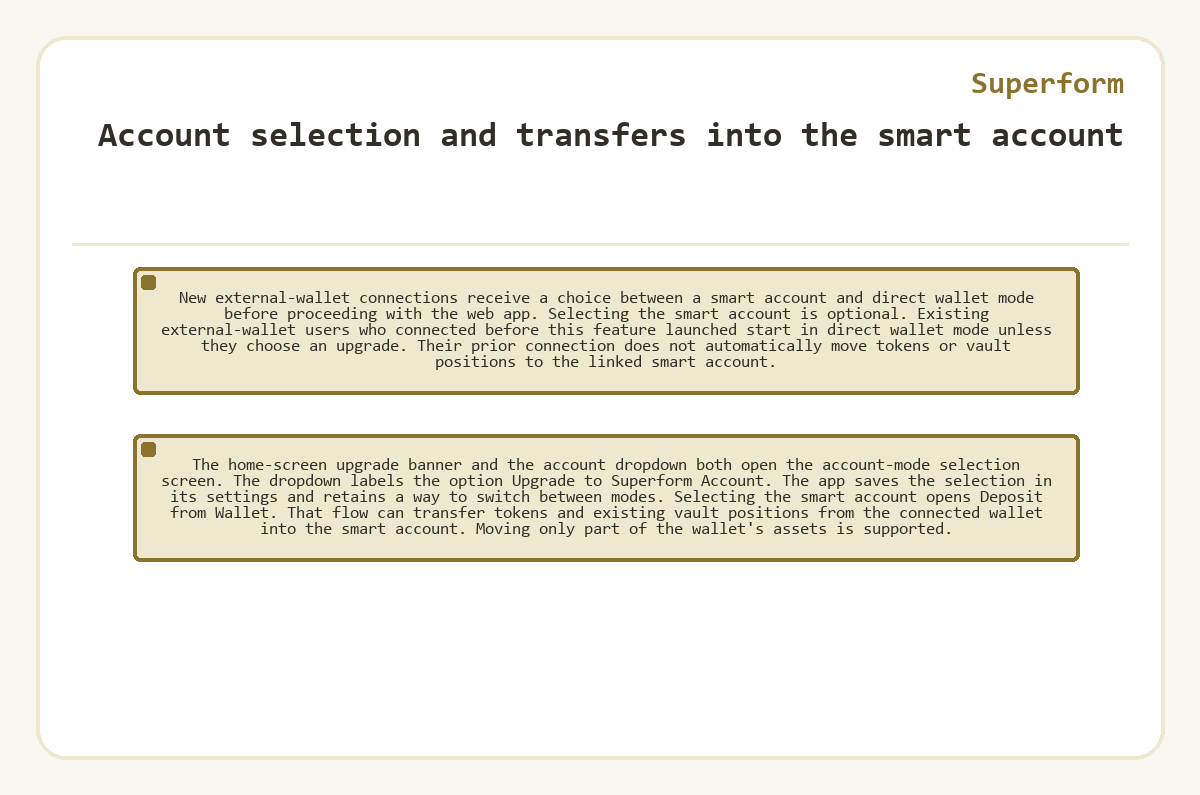
New external-wallet connections receive a choice between a smart account and direct wallet mode before proceeding with the web app. Selecting the smart account is optional.
Existing external-wallet users who connected before this feature launched start in direct wallet mode unless they choose an upgrade. Their prior connection does not automatically move tokens or vault positions to the linked smart account.
The home-screen upgrade banner and the account dropdown both open the account-mode selection screen. The dropdown labels the option Upgrade to Superform Account. The app saves the selection in its settings and retains a way to switch between modes.
Selecting the smart account opens Deposit from Wallet. That flow can transfer tokens and existing vault positions from the connected wallet into the smart account. Moving only part of the wallet's assets is supported.
What changes when you switch account modes?
Switching to direct wallet mode leaves existing assets in the smart account. The account dropdown provides the Switch Mode control. Returning to smart account mode lets the same signing wallet manage assets still held at the contract account's address.
An apparently missing vault position
In this hypothetical case, a vault position exists only in the smart account, and the connected wallet holds no shares of that vault. The owner selects direct wallet mode and sees no position for that wallet. Has changing modes removed the investment?
The position still belongs to the smart account. The same signer controls both addresses, but selecting one account does not combine their balances. Returning to smart account mode makes the position manageable again. The empty direct-wallet view reflects where the shares are held; it does not show a completed withdrawal or transfer.
Rewards and points across separate accounts
Rewards can remain associated with both the external wallet and its linked smart account when deposits on both qualify during a rewards epoch. They are separate accounts for this purpose. Changing modes does not consolidate their claim records, and an upgrade during an epoch can leave rewards claimable at both addresses.
Points cannot be migrated between these accounts, even though vault positions can move through the transfer flow. Transferring shares therefore does not carry the earlier points history into the receiving account.
Returning assets to the external wallet
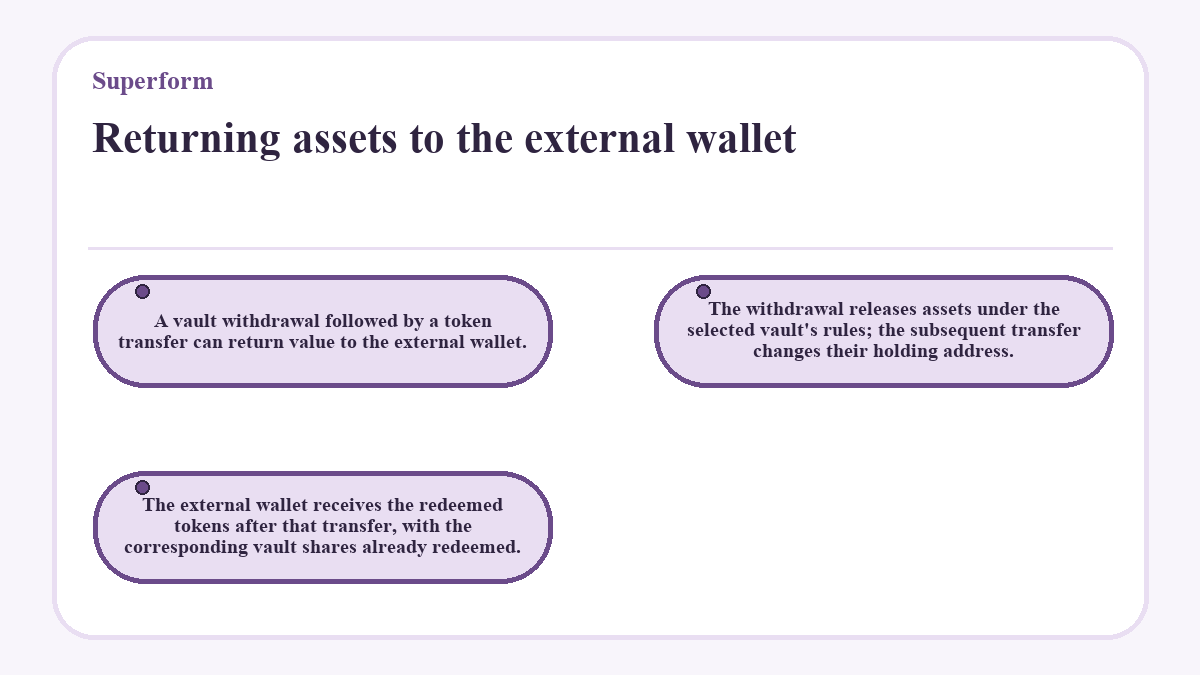
A vault withdrawal followed by a token transfer can return value to the external wallet. The withdrawal releases assets under the selected vault's rules; the subsequent transfer changes their holding address. The external wallet receives the redeemed tokens after that transfer, with the corresponding vault shares already redeemed.
Email sign-in and external-wallet accounts
Email, Apple and Google sign-in create accounts with an embedded signing wallet, while an external-wallet smart account stays controlled by the connected wallet. Social sign-in users already have a smart account by default. A connected web wallet instead receives an explicit account-mode choice.
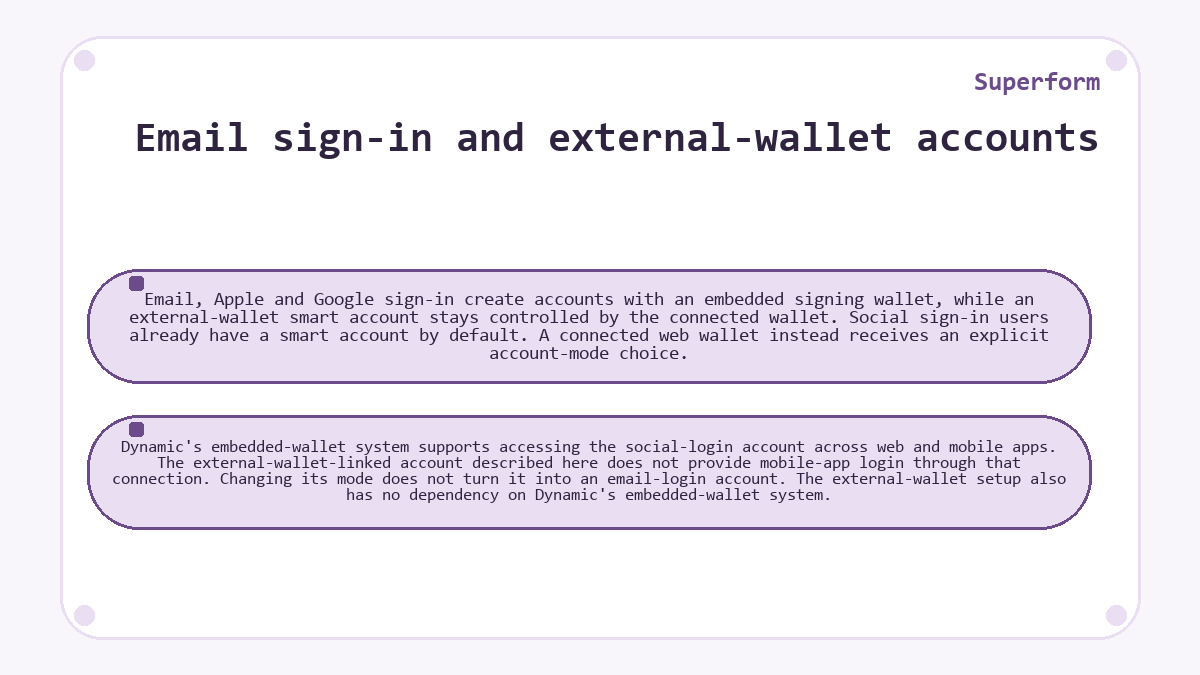
Dynamic's embedded-wallet system supports accessing the social-login account across web and mobile apps. The external-wallet-linked account described here does not provide mobile-app login through that connection. Changing its mode does not turn it into an email-login account. The external-wallet setup also has no dependency on Dynamic's embedded-wallet system.
Vault rules in either account mode
A smart account changes authorization and asset holding, while the selected vault retains its own strategy, fee policy and redemption requirements. Depositing into a SuperVault places the underlying assets in vault contracts, with the account holding the resulting shares. ERC-7540 SuperVault redemptions are asynchronous and require fulfillment before a claim can release assets. Bundled authorization does not remove that requirement. Account selection also leaves the vault manager's approved strategy permissions unchanged.
Native ETH funding and supported fee tokens
Smart account mode supports native ETH deposits without requiring the user to wrap ETH into WETH first. Direct web-wallet mode does not include that native ETH support. This difference concerns the deposit asset, which is separate from the token selected to cover transaction fees.
Gas abstraction allows fee payments in USDC, WETH and other supported tokens. Transaction costs remain payable; the feature changes how those costs are funded. Support for a fee token does not make it an accepted deposit asset in every vault. The funding asset, destination vault and fee token have different roles in a bundled deposit. Choosing smart account mode alone does not fund its fee payments.
Superform questions, answered
Which external wallets can control a linked smart account?
Supported external wallets such as MetaMask, Rabby and Ledger can sign for a linked smart account. Continued control depends on access to the original wallet.
Where can I confirm a smart account's receive address before funding it?
The Receive flow shows the address for the account you are logged into. Open it while smart account mode is active to confirm the intended destination. A wallet warning can appear when the address has no deployed contract code on that chain. The address can already be calculated even though its first outgoing bundled transaction has not deployed the contract.
Is a smart account upgrade the same as a v1-to-v2 position migration?
A web-wallet smart account upgrade and a v1-to-v2 position migration are different operations. The upgrade selects a contract account controlled by the connected wallet. Migration makes eligible legacy vault shares available in the v2 app, where they can subsequently be reallocated. A migrated position does not automatically become a new SuperVault v2 investment merely because it appears in that app.
Can a Safe wallet or custodian deposit without the web-wallet upgrade?
The Base SuperVault integration provides a deposit route for Safe wallets and custodians without requiring the web app's smart account upgrade. It returns ordered executions for the depositing wallet to broadcast, with approval preceding deposit. This integration capability is separate from the account-mode options displayed in the web interface and does not establish support in every app screen.
Does a smart account give a vault manager control of the signing wallet?
Using a smart account does not make the vault manager the owner of your signing wallet. The connected external wallet signs account transactions, while SuperVault managers act through authorized hooks and protocol-defined roles. Deposited assets follow the vault's contract and redemption rules. Signing authority over your account and permission to manage a vault strategy apply to different contracts.